Unless you choose otherwise, your gamez will automatically be recorded so you can review your movez later. By default, the app will automatically keep your most recent 3 Pebblez gamez.
View your recordingz from the home screen az below:

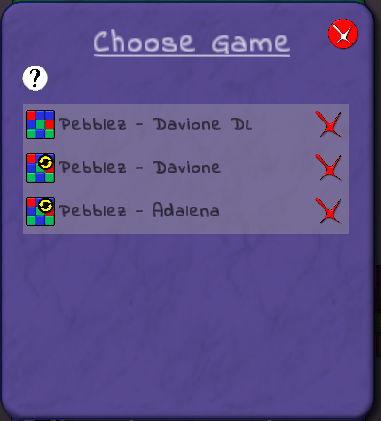
Exported gamez (which don't have the yellow "automatic" icon, will be saved indefinitely, and not overwritten as more gamez are played.
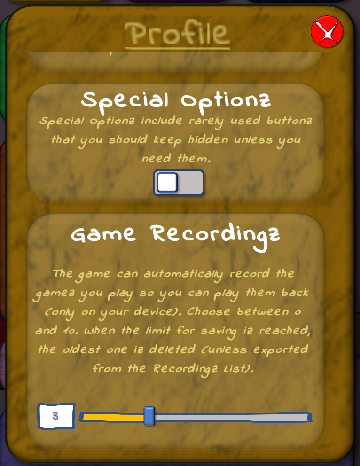
Although the default iz to record 3 gamez, the app can record from 0 to 10. To change this setting:
What'z the difference between Saved Gamez and Recorded Gamez?
Saved gamez may be replayed or continued later by a player.
Recorded gamez are like videoz, to be played back from beginning to end, to review movez already made.