Uncompleted gamez in the Expedition are automatically saved for you to resume later, az long az you haven't passed that game before. For example,
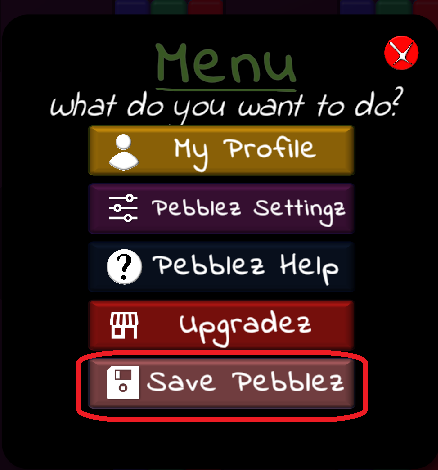
You can indefinitely save a Practice or Pebblez Expedition game "az iz" anytime. While you're playing the game, tap the menu icon, and then choose Save Pebblez. Choose a name for your saved game that will help you identify it later. While you can save a game az many timez as you'd like (i.e., just generated, partially completed, almost completed, etc.) for practice, once a Pebblez Expedition game haz been saved, it will no longer be resumable if exited, and the saved gamez don't count towards the Pebblez Expedition.

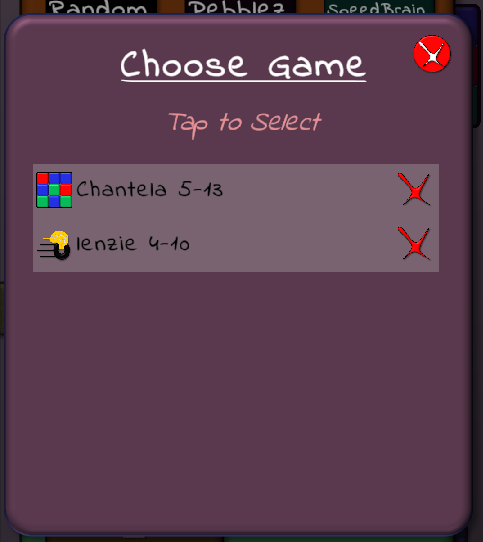
Now that you've saved a game for practice, resume it by tapping Saved Gamez near the bottom of the home screen, and choosing a game.

Want to send a specific gameboard to someone else? This capability iz coming soon, so stay tuned!
What'z the difference between Saved Gamez and Recorded Gamez?
Saved gamez may be replayed or continued later by a player.
Recorded gamez are like videoz, to be played back from beginning to end, to review movez already made.